
Subscriber access for your magazine website
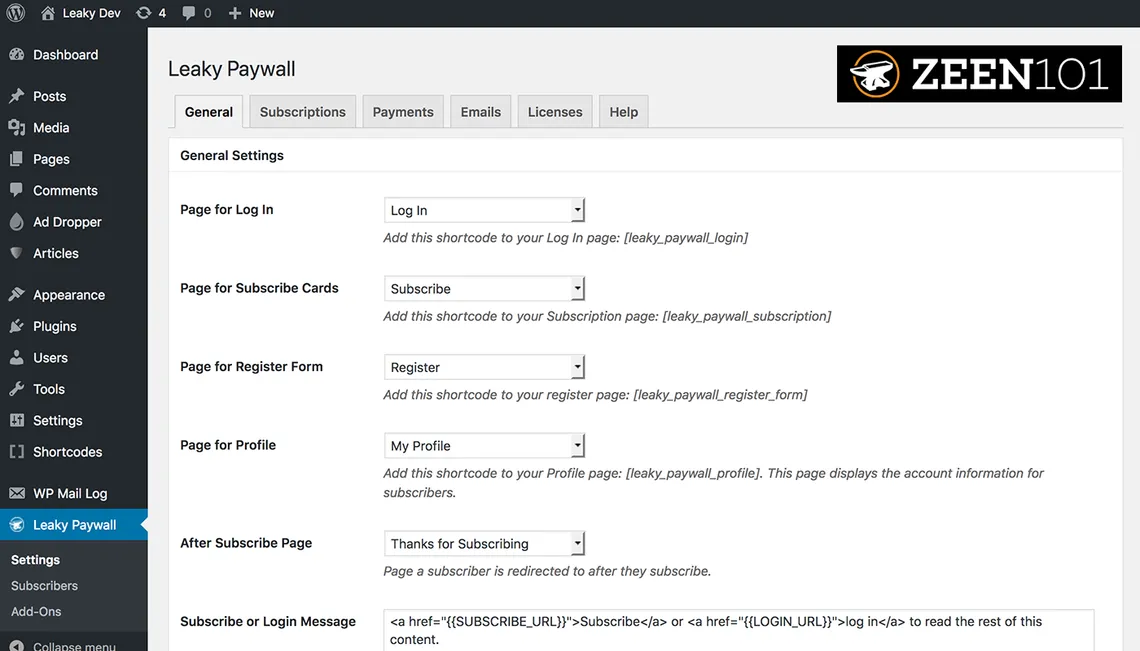
Subscriber paywall
Plan subscriber access around a clear reader journey
A subscriber paywall connects a reader's subscription relationship with access to magazine content. The business requirements depend on what you publish, where the content lives and how readers identify themselves. Before changing the website experience, describe the journey you want a reader to complete: discovering the offer, choosing a subscription, receiving access and returning later to read. Each stage should have a clear purpose and a responsible owner.
Define the offer and the access rule
Start with the subscription offer. Decide whether it covers print, digital content or a combination, which magazine or brand it belongs to and what period the reader is buying. Then explain which content should be publicly available and which should depend on the subscription. These are business decisions that need to be understood before an integration is configured.
Next, describe how the reader's website identity should connect with the subscription record. Include the situations that create support questions: a returning subscriber who cannot access content, a changed email address, an expired subscription or a reader buying access for the first time. The goal is a consistent journey, with the publishing team understanding which record to check when something needs attention.
Discuss the website integration scope
RunMags manages subscription sales and publishing operations, and WordPress is among the approved integration options. A named integration is not a promise that every website theme, membership plugin or access rule works automatically. Ask our team to review your website and subscription requirements, the supported connection and any configuration or separate development needed for your particular setup.
For a useful discussion, explain your current website platform, the magazine offers you sell and the experience readers have today. Keep passwords, private subscriber exports and confidential account details out of website chat. An initial enquiry can describe the workflow without exposing personal records. The team can then advise what information is appropriate for a more detailed setup conversation.
Evaluate the complete access experience
Use representative scenarios before changing a live subscriber process. Review a new purchase, a returning subscriber and an expired entitlement with the people responsible for the website and subscription records. Check the messaging shown to the reader, the next step offered and the staff responsibility for unresolved questions. Access is only one part of the subscription relationship; billing, renewals and reader support also need to remain understandable.
Write down the decisions about offers, records and exception handling so your team can maintain the process later. Avoid relying on one person's memory of how the connection was configured. The same documentation helps you explain a problem accurately if you need support.
Explore subscription sales, circulation management and integration planning. Weighing a dedicated paywall platform instead? Read our Pelcro alternative for magazine publishers, or compare RunMags with Mocono's WordPress paywall and Sesamy's paywall and checkout. You can book a demo to discuss the reader journey or ask Maggie about the questions to prepare before evaluating a subscriber paywall.
Agree how the publishing team will explain access questions to readers before launch. A clear message and a known support route are part of the experience, especially when a returning subscriber needs help. Review those scenarios with the people responsible for the website, subscriptions and reader relationships.
